
How to Tell If a Battery Charger Is Damaging Your Battery
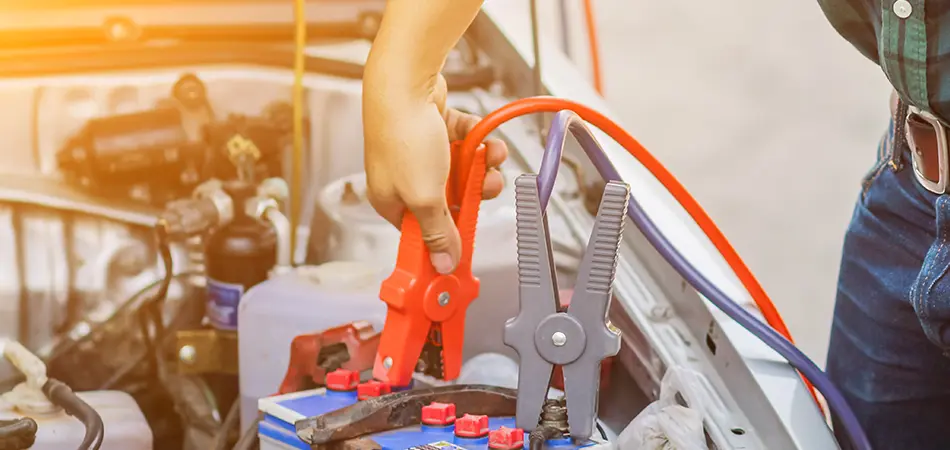
A charger is supposed to protect your battery — not damage it. Yet a faulty or incompatible charger can quietly reduce battery life, cause overheating, and create safety risks before you notice a problem.
In this guide, you’ll learn the warning signs of charger-related battery damage, what causes it, how to test for issues safely, and when it’s time to replace your charger or battery
Warning Signs Your Charger Is Damaging Your Battery
Watch for these red flags. One alone may not be serious, but several together usually point to a problem.
- Overheating: The battery or charger feels hot to the touch during normal use. Warmth is normal; intense heat is not.
- Swelling or bulging: A puffy battery, a bulging device back, or a screen lifting away from the frame signals internal damage. Stop using it immediately.
- Slow charging: Charging takes far longer than usual, even after ruling out a worn cable or weak power source.
- Inconsistent charging: The battery percentage jumps around, stalls at a number, or drops suddenly while plugged in.
- Strange smells: A burning, chemical, or sweet odor near the battery or charger is a serious warning. Unplug right away.
- Reduced lifespan: Your battery drains faster than it used to and holds less charge over time.
- Overcharging behavior: The device stays hot after reaching 100%, or the charger never seems to “stop.”
- Compatibility mismatches: The charger isn’t rated for your device’s voltage or current, which can stress the battery.
Each sign reflects extra stress on the battery’s cells. Left unchecked, that stress accelerates wear and increases the risk of failure.
Common Causes of Charger-Related Battery Damage
- Wrong voltage or amperage: A charger that delivers too much or too little power forces the battery to work harder.
- Cheap or counterfeit chargers: Low-quality units often skip safety circuits that prevent overcharging and overheating.
- Damaged cables or ports: Frayed wires and loose connectors create unstable power flow.
- No automatic shutoff: Quality chargers stop or trickle once full. Poor ones keep pushing current.
- Heat exposure: Charging on soft surfaces, in direct sun, or inside hot cars traps heat.
- Aging chargers: Internal components degrade over years of use, reducing reliability.
How to Test Your Charger Safely
Before assuming the worst, run a few simple checks.
- Inspect for damage: Look for frayed cables, bent pins, cracks, or scorch marks. Replace anything damaged.
- Feel the temperature: Charge for 15–20 minutes, then check the heat. Mild warmth is fine; hot is not.
- Try a known-good charger: Use a trusted, compatible charger. If charging improves, your original charger is likely the culprit.
- Test the battery in another device: If the battery misbehaves everywhere, the battery itself may be failing.
- Use a multimeter (optional): Check the charger’s output voltage against its label. A big mismatch means it’s faulty.
What to avoid:
- Don’t keep using a charger that smells, sparks, or overheats.
- Don’t puncture, bend, or open a swollen battery.
- Don’t charge unattended overnight with a charger you suspect is faulty.
How to Choose the Right Charger
The right charger does most of the protective work for you. Look for these features.
- Correct specs: Match the voltage and current ratings to your device’s requirements.
- Manufacturer or certified brands: Original or reputable third-party chargers include proper safety circuits.
- Safety certifications: Look for marks like UL, CE, or FCC.
- Smart charging features: Auto shutoff, overcurrent protection, and temperature control extend battery life.
- Quality cables: Thick, well-built cables handle current safely and last longer.
When in doubt, buy from the device manufacturer or an authorized seller. The small premium is cheaper than a ruined battery.
When to Replace the Charger or Battery
Sometimes repair isn’t worth it. Here’s how to decide.
Replace the charger if:
- It overheats, smells, or shows physical damage.
- A known-good charger fixes the charging problem.
- Its output voltage tests far from the label.
- It’s old, generic, or lacks safety features.
Replace the battery if:
- It swells, leaks, or won’t hold a charge.
- Runtime drops sharply, even with a good charger.
- The battery misbehaves across multiple chargers and devices.
- Your device is several years old, and battery health is low.
So what? Acting early prevents a minor issue from becoming a damaged device or a safety hazard.
Conclusion
A charger should be a quiet partner that keeps your battery strong for years. When it starts causing heat, swelling, slow charging, or odd smells, those are signals worth taking seriously.
Here’s what to do next:
- Inspect your current charger for damage, heat, and proper specs today.
- Switch to a certified, compatible charger if anything seems off.
- Replace the battery if it shows swelling, leaks, or steep capacity loss.
Treat your charger with the same care as your device. The right one protects your battery, saves money, and keeps you safe.
FAQs: Charger Damaging Battery
Q: Can a cheap charger really damage my battery?
Yes. Low-cost chargers often lack safety circuits, which can lead to overheating, overcharging, and faster battery wear.
Q: Is it bad to leave my device charging overnight?
With a modern charger that has auto shutoff, occasional overnight charging is usually fine. With a faulty or generic charger, it raises overheating and overcharging risks.
Q: Why does my battery get hot while charging?
Some warmth is normal. Excessive heat often points to a mismatched charger, a damaged cable, or a failing battery.
Q: Does using a higher-wattage charger harm my battery?
Not if your device supports it. Quality devices draw only what they need. Problems arise with uncertified chargers that deliver unstable power.
Q: Can a damaged charger cause my battery to swell?
Yes. Overcharging and excessive heat from a faulty charger can stress cells and cause swelling. Stop using a swollen battery immediately.
Q: How do I know if it’s the charger or the battery?
Test a known-good charger first. If charging improves, blame the charger. If the battery fails across multiple chargers, the battery is the issue.
Q: Is it safe to mix chargers between devices?
Only if the specs and connectors match and the charger is compatible. Mismatched voltage or current can stress the battery.
Q: How often should I replace my charger?
Replace it whenever it shows damage, overheating, or odd behavior. Even good chargers wear out over time, so inspect them periodically.
More Articles
0 Comments